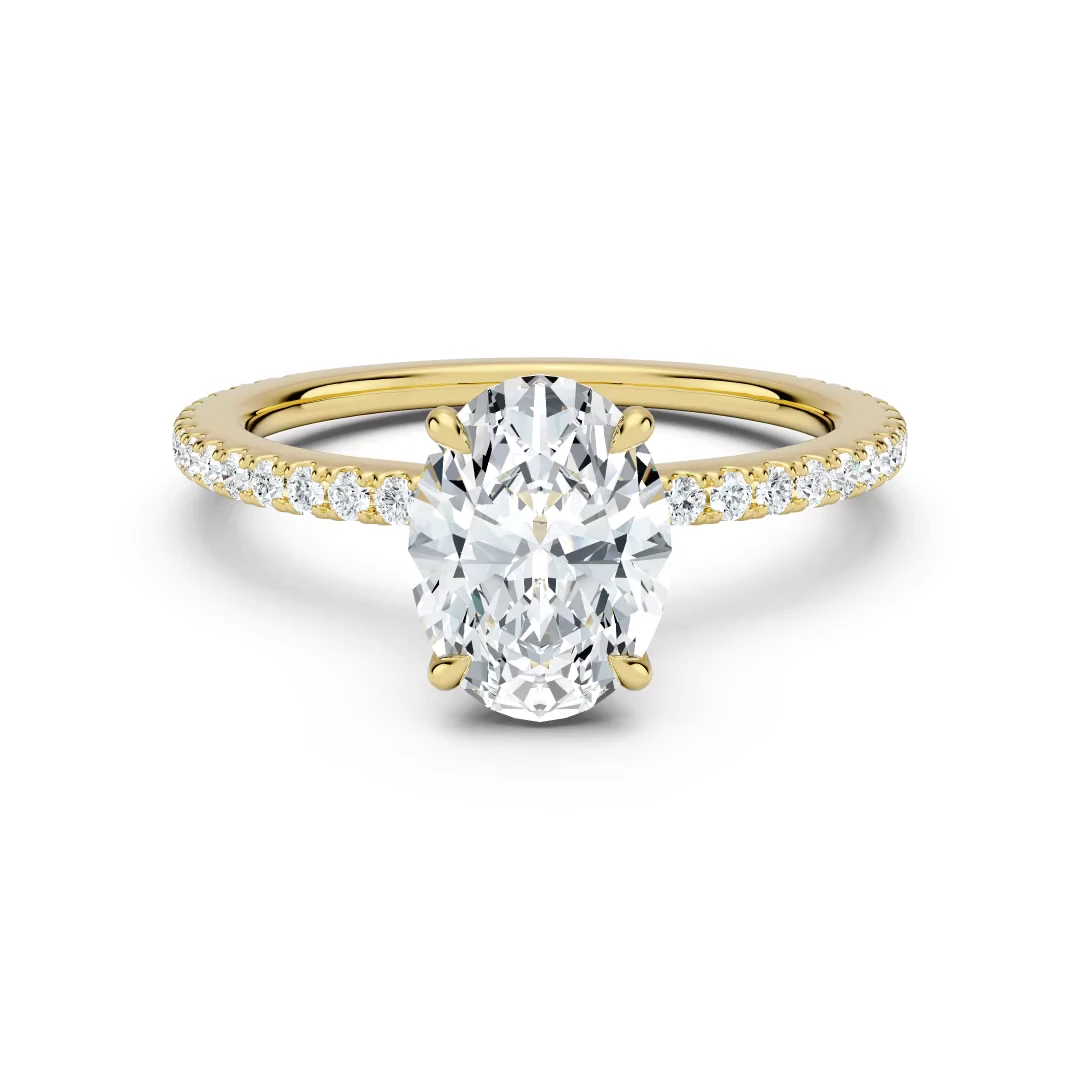
True to life
The metal shows through the stone at some angles, just as it does on a real diamond.
Render options
Compare camera angles, framing and turntable options for your product renders.
Camera angle
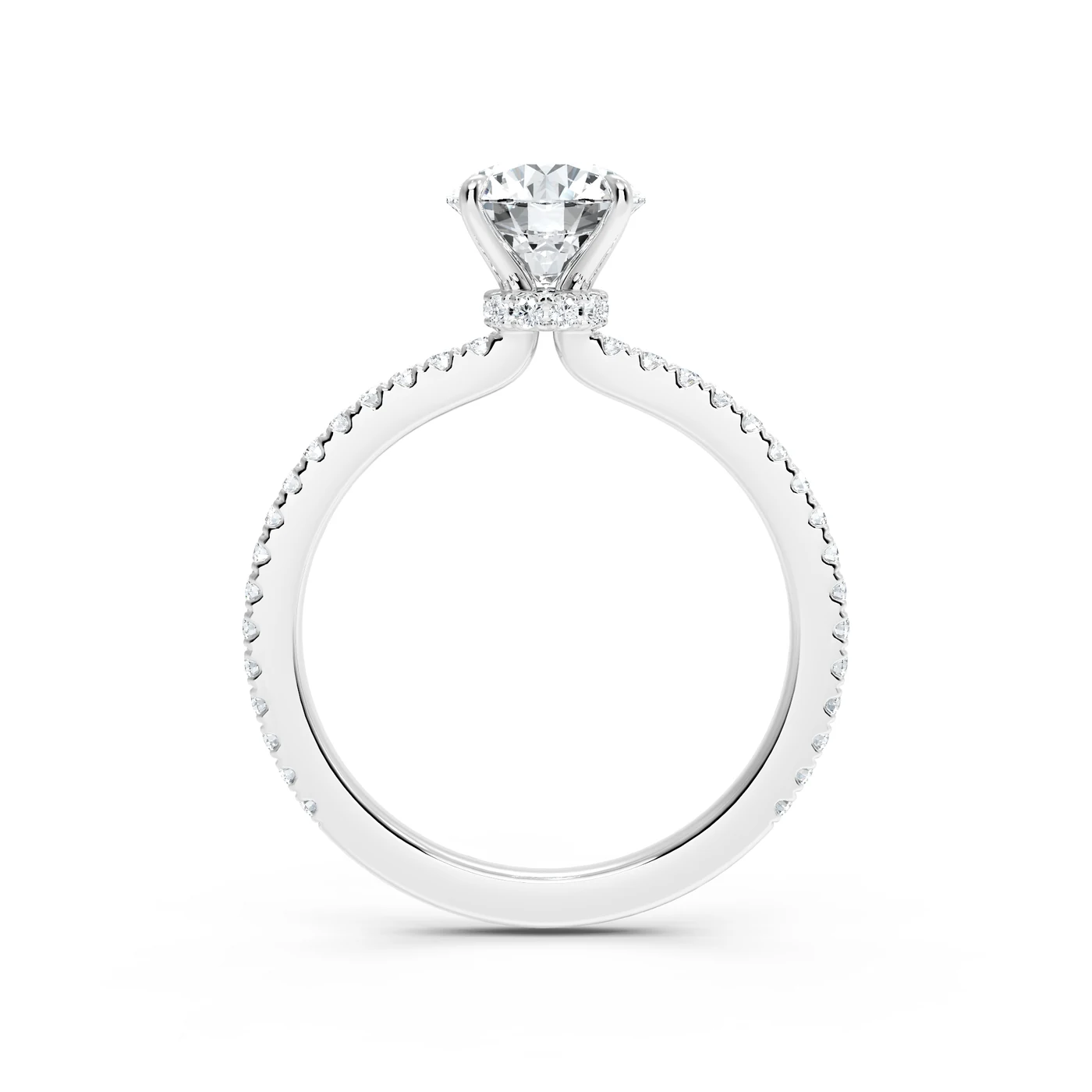
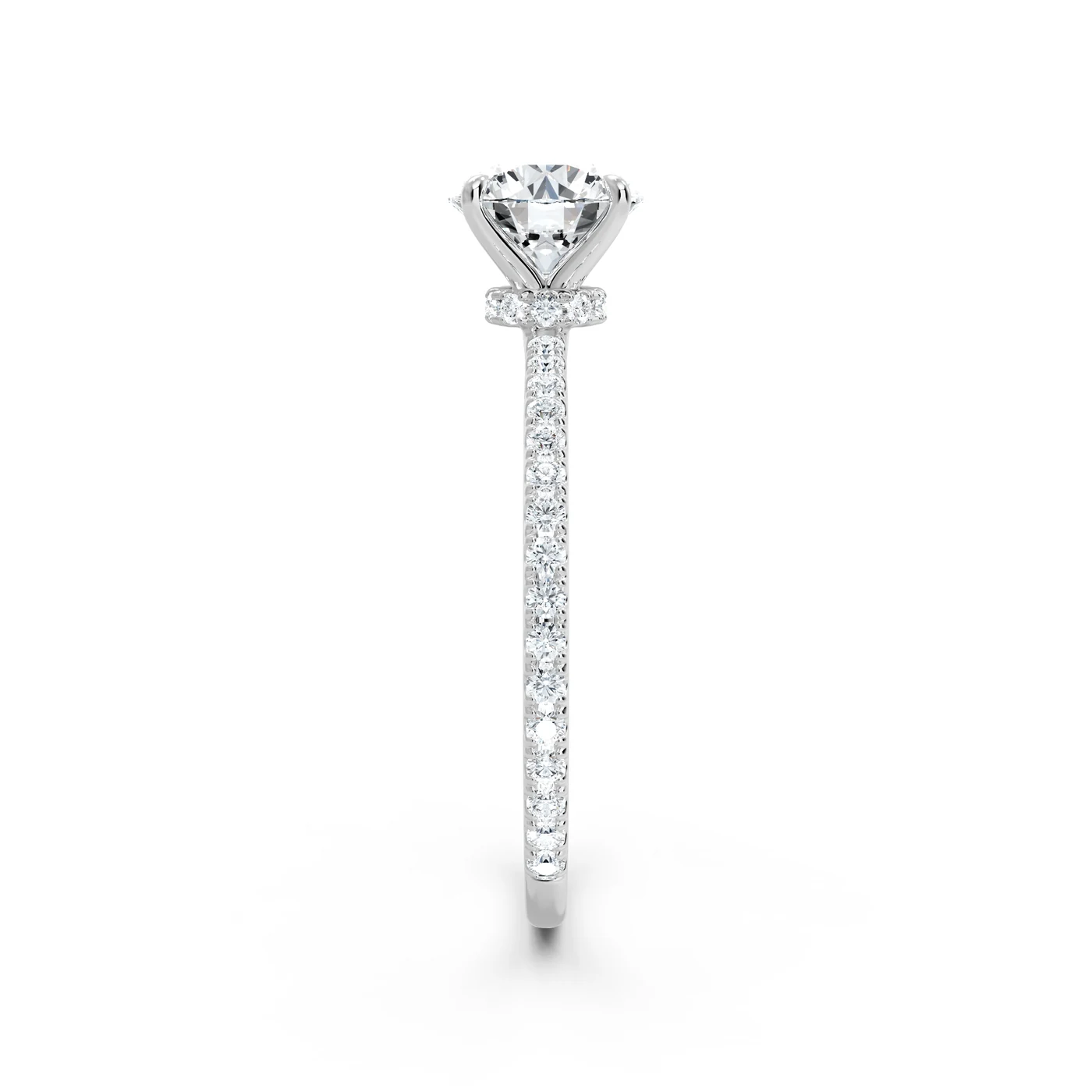
At 0° the camera looks straight at the center stone and the band reads as a thin line. Raise the angle and more of the band opens up behind the stone.
13°
The angle you choose stays the same for every SKU in the batch.
Framing
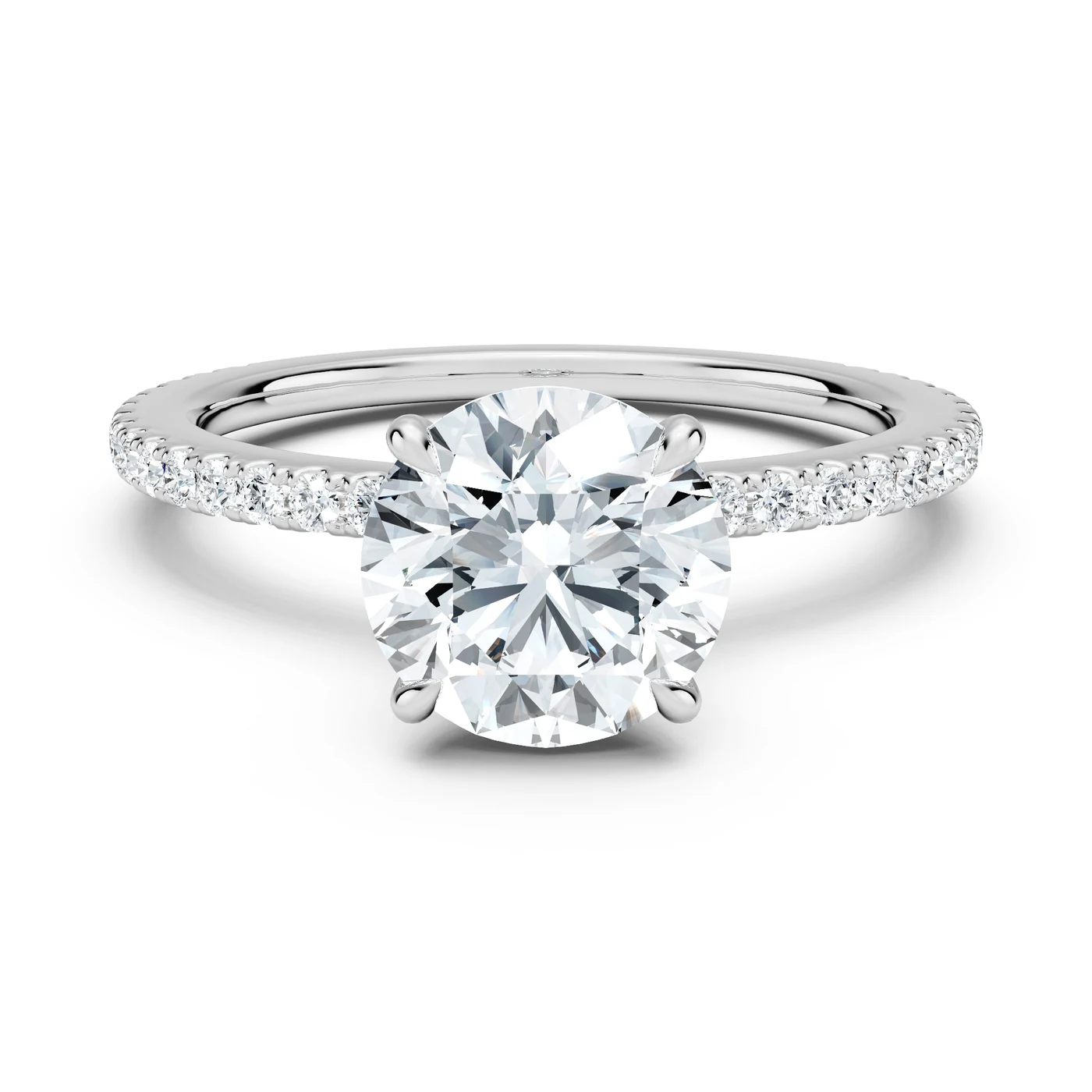
A tighter crop shows more of the stone on a product page. A looser crop leaves room around the piece for grids, badges and banners.
80%
The percentage is the ring’s width when it lies flat and its height when it stands.
Diamond finish
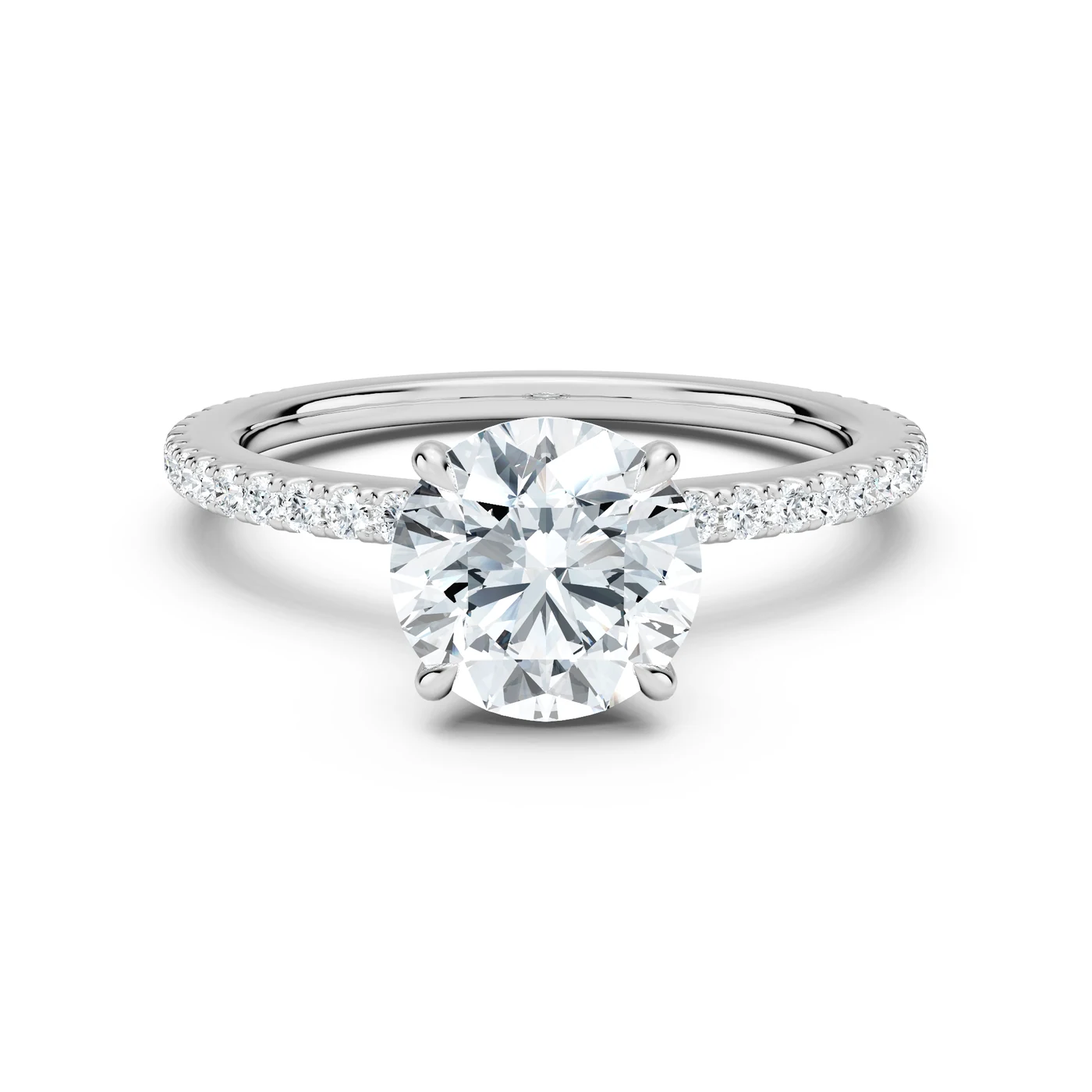
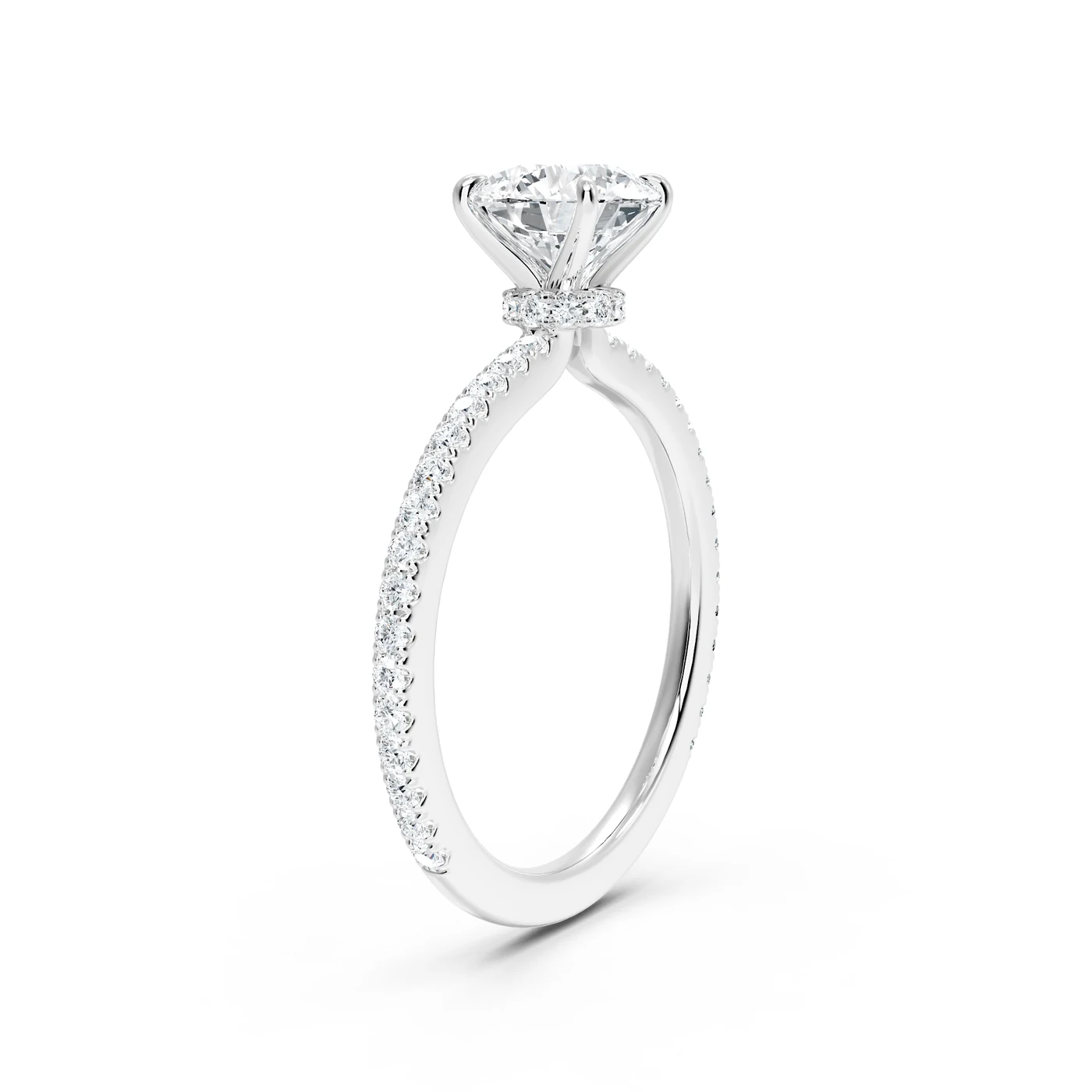
A diamond does not return all of its light at every angle. Because of its cut and the physics of the stone, you will see the metal beneath it at some points in a turn. That is how a real diamond behaves. In a turntable you can keep it or have it removed.
The metal shows through the stone at some angles, just as it does on a real diamond.
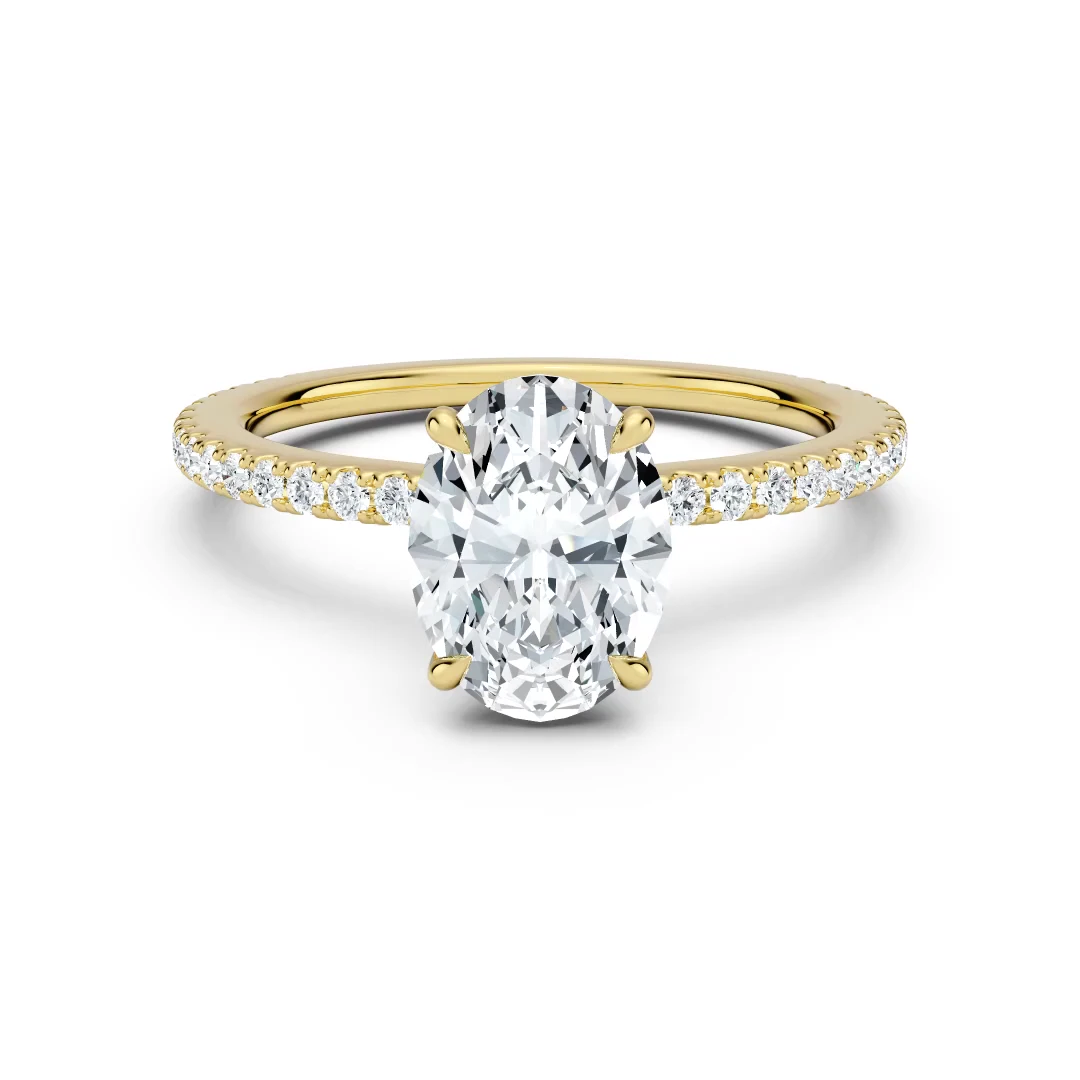
The metal is removed from the stone in rendering, so the diamond stays bright through the whole turn.
Tell us which you prefer when you order.
Diamond fire
A diamond splits white light into flashes of color, called fire. We can render the stone with that fire, as a real diamond shows it, or keep its sparkle a clean white.
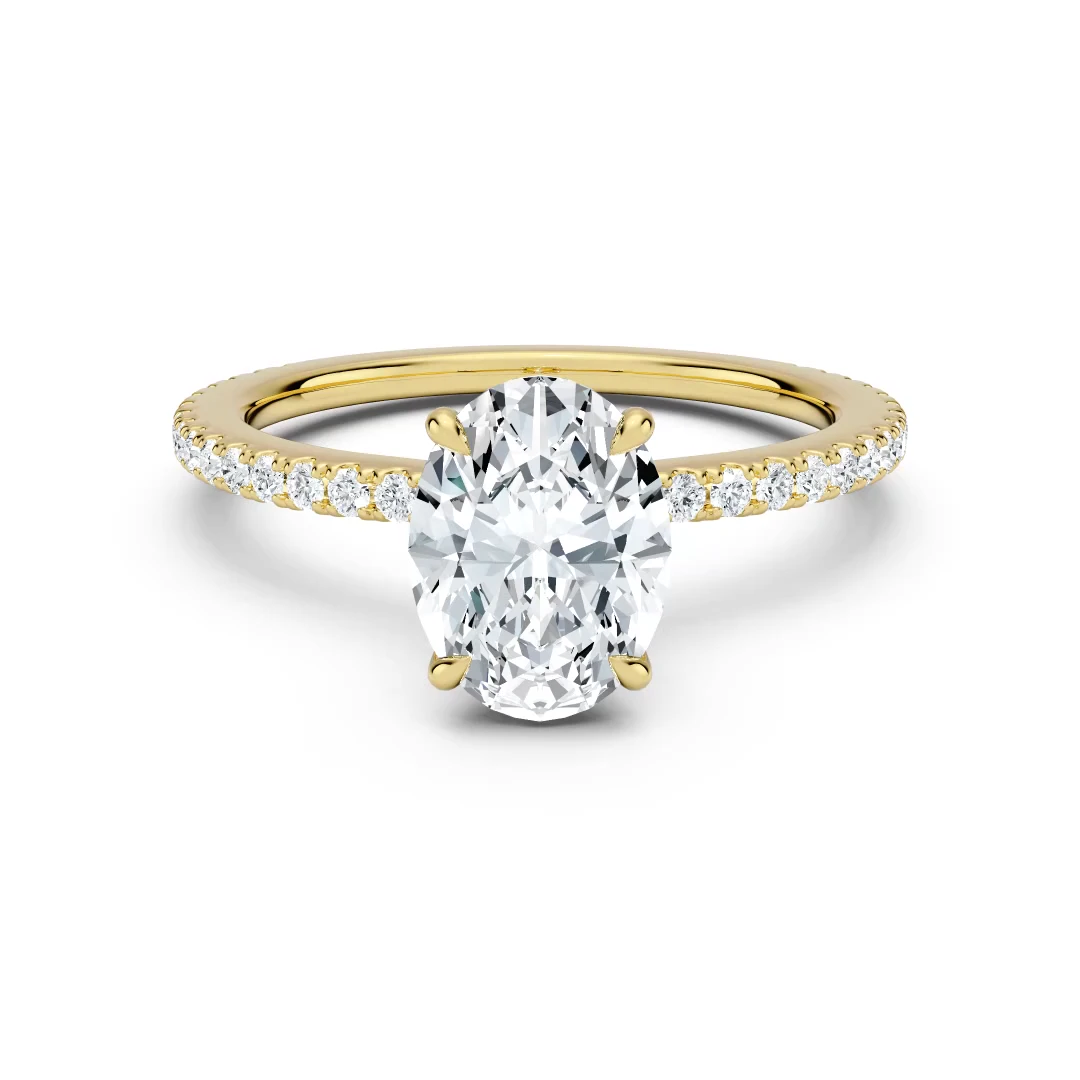
The stone sparkles in clean white and dark facets only.
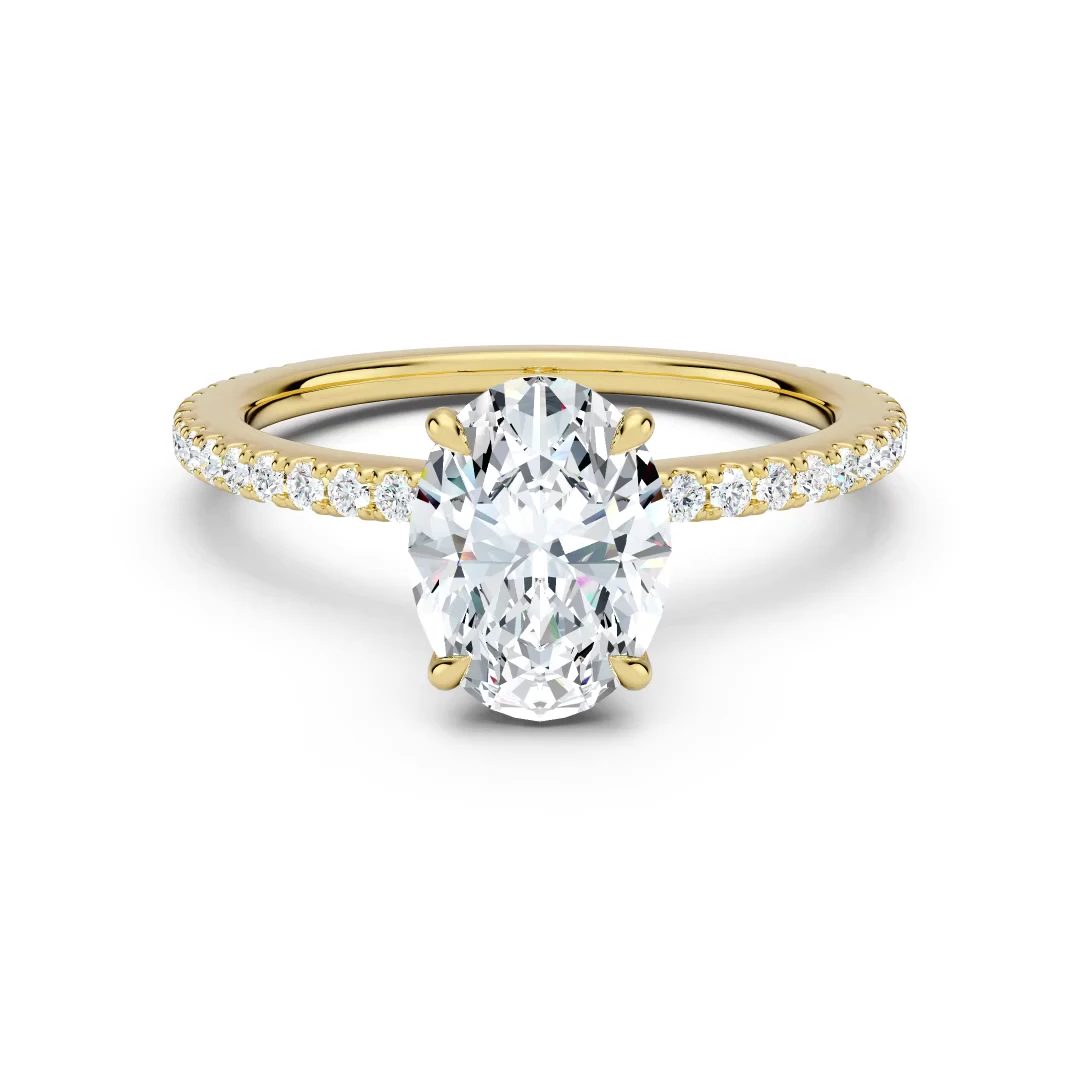
Flashes of color appear in the stone as it turns, as they do on a real diamond.
Tell us which you prefer when you order.
Necklace motion
Drag either view to compare the same round solitaire pendant in white gold, rendered in Soft White.
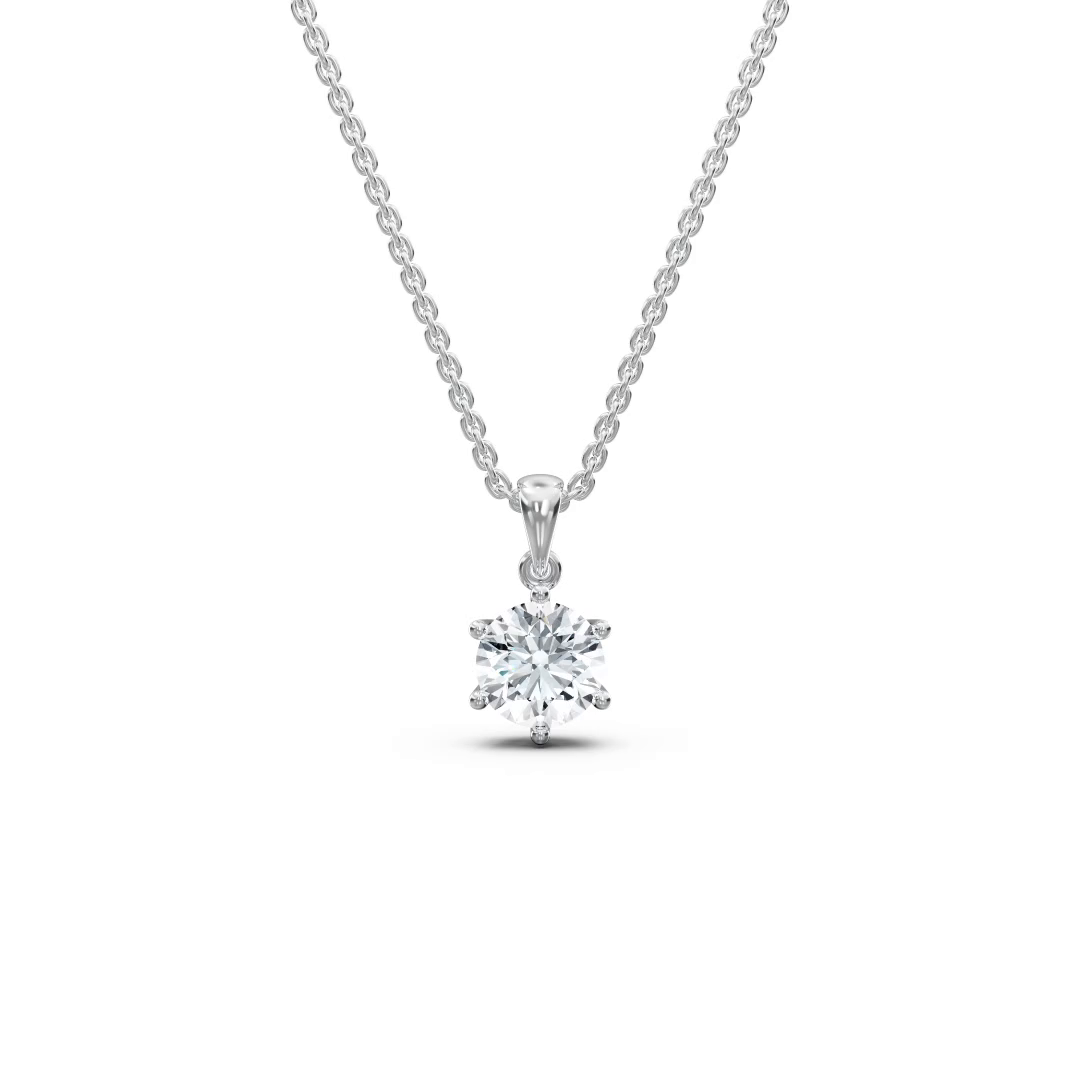
The necklace holds its pose throughout the turn.
The necklace sways gently as it turns.
Bracelet pose
Drag either view to compare the same rose gold tennis bracelet in Soft White.
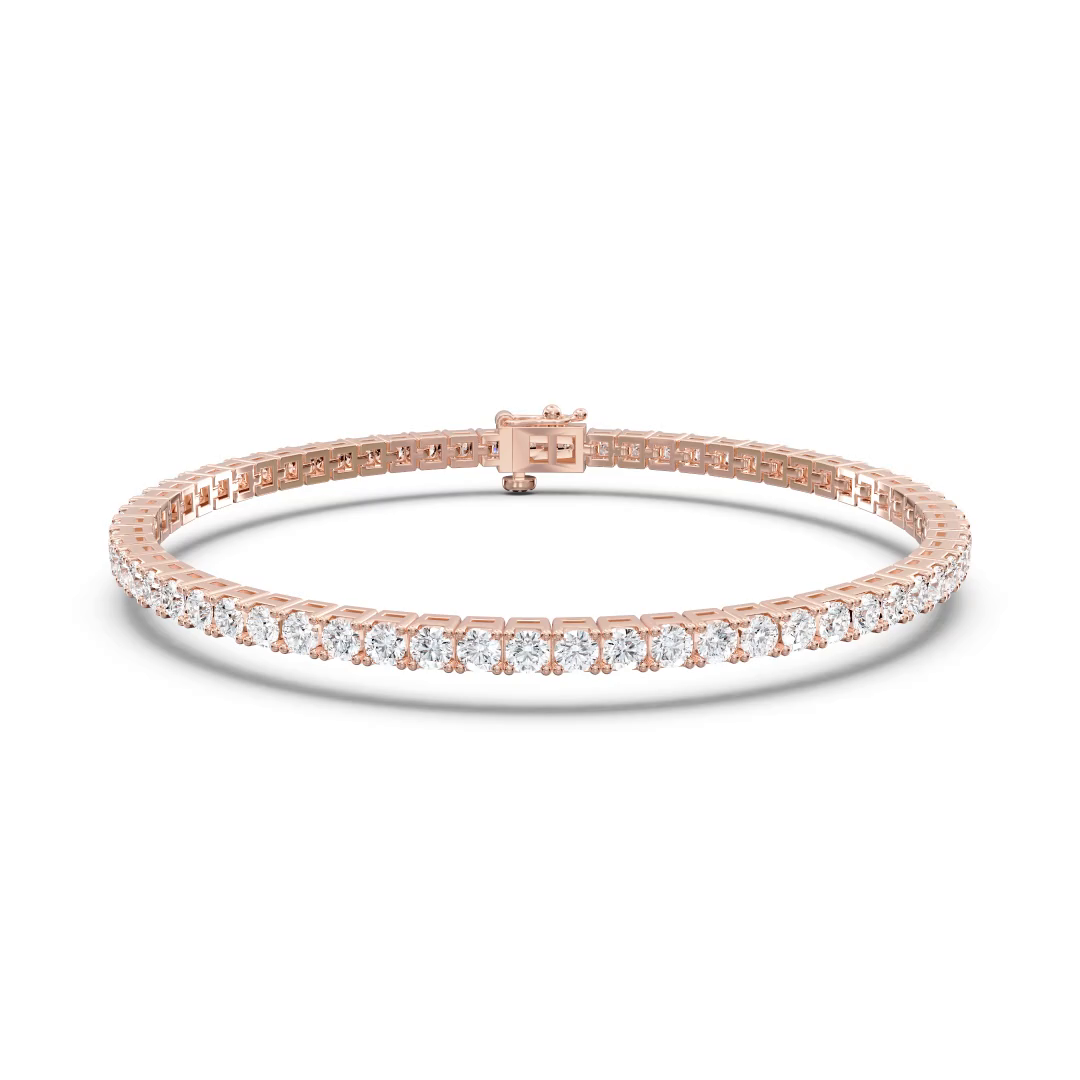
The bracelet keeps its original circular shape, with the links aligned in one plane.
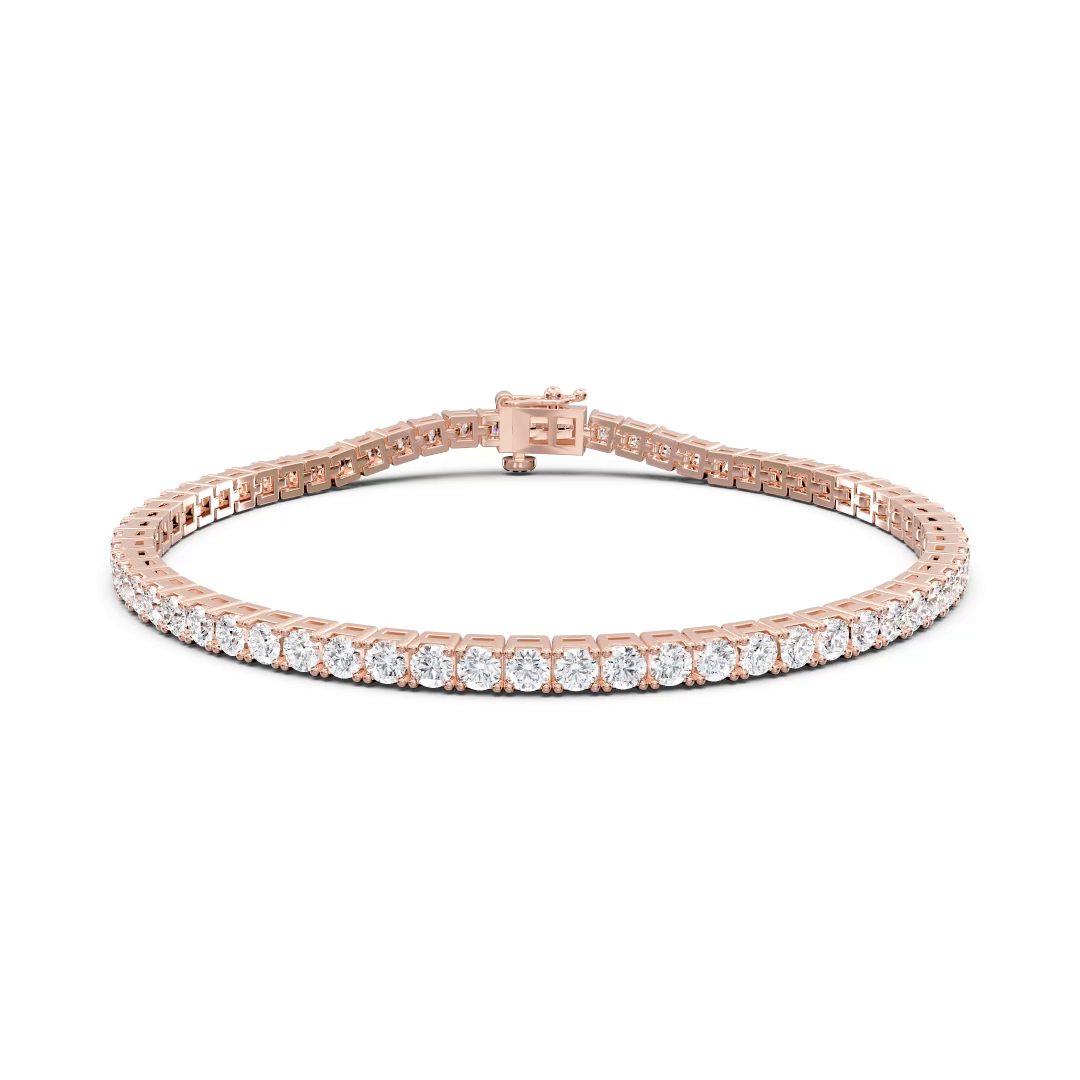
The links move independently so the bracelet settles naturally on the surface.
We recommend the naturally resting pose. For this option, supply a tennis bracelet CAD model with separate links that can move independently.
Free sample
Send one CAD file. We render it in the look of your choice, free and with no commitment.
Get a free sample